A PTR record, also known as a reverse DNS (rDNS) record, maps your VPS IP address to a hostname. It is commonly required when using your server to send email, as many mail providers check reverse DNS records to help prevent spam.
Before you begin, make sure that the hostname you want to use has an A record pointing to the same IP address as your VPS.
For example:
| Record type | Hostname | Points to |
|---|---|---|
| A | mail.example.com |
Your VPS IP address |
| PTR | Your VPS IP address | mail.example.com |
To add a PTR record:
- Log in to your client area.
- Go to Domains → Manage DNS.
- Open the rDNS Records tab.
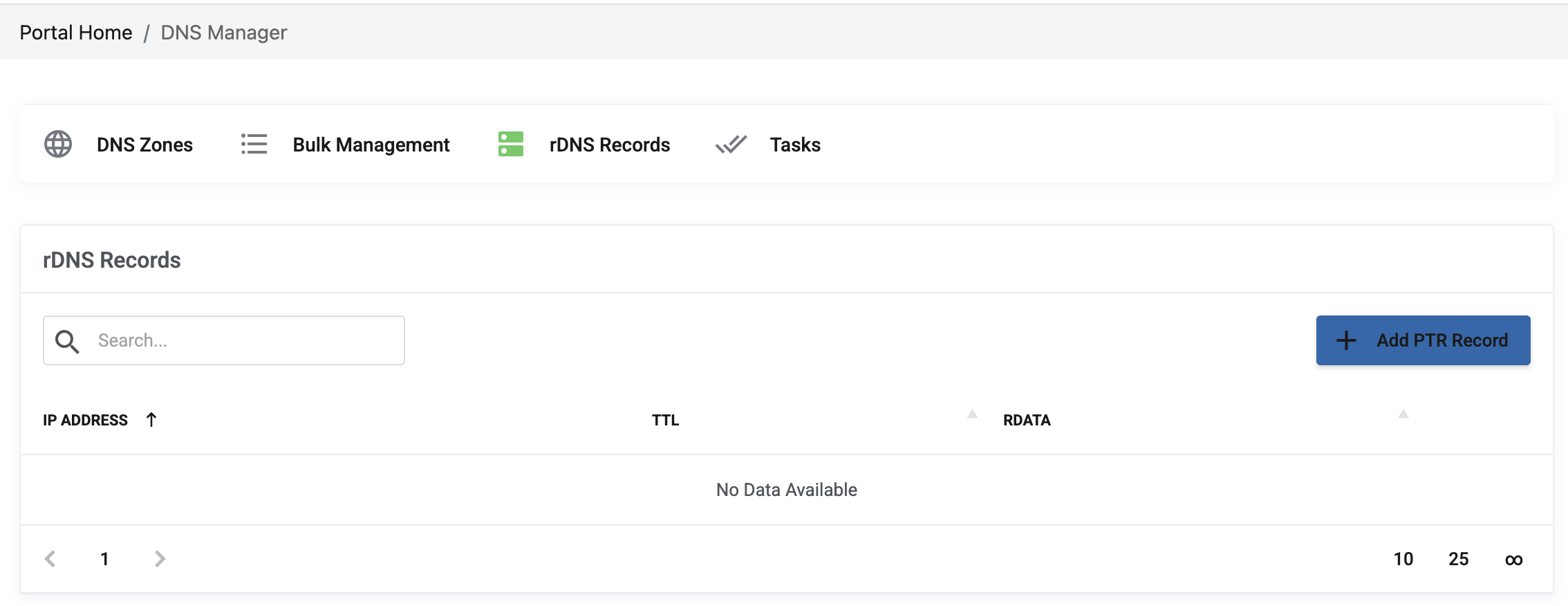
4. Click Add PTR Record.
DNS updates can take some time to propagate. Once the record is active, you can check it with a reverse DNS lookup tool or by running:
dig -x YOUR_SERVER_IP +short
Replace
YOUR_SERVER_IP with your VPS IP address. The command should return the hostname you specified.